SYNC APP STUDIO
Time,
in your style.
Turn your phone into a clock you’ll love looking at. On your desk, by your bed, in rhythm with your day.
Free to download · Includes in-app purchases
SAME TIME. DIFFERENT FEELING.
A clock for every mood.
A quiet desk. A colorful night.
Choose your look.
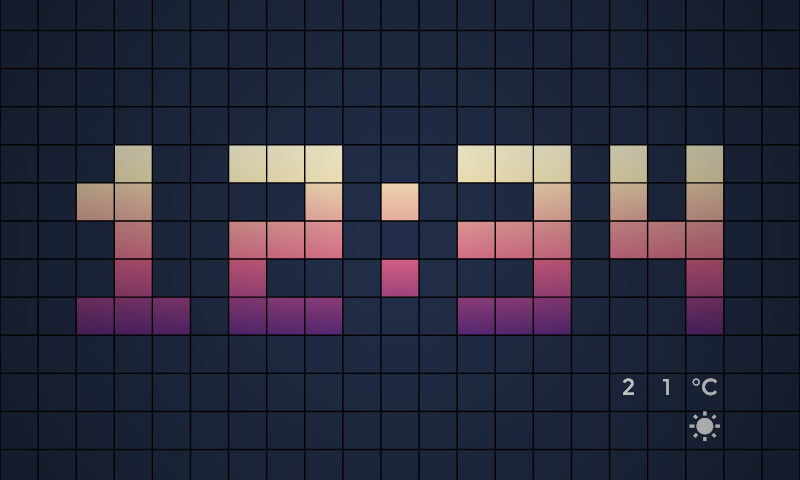
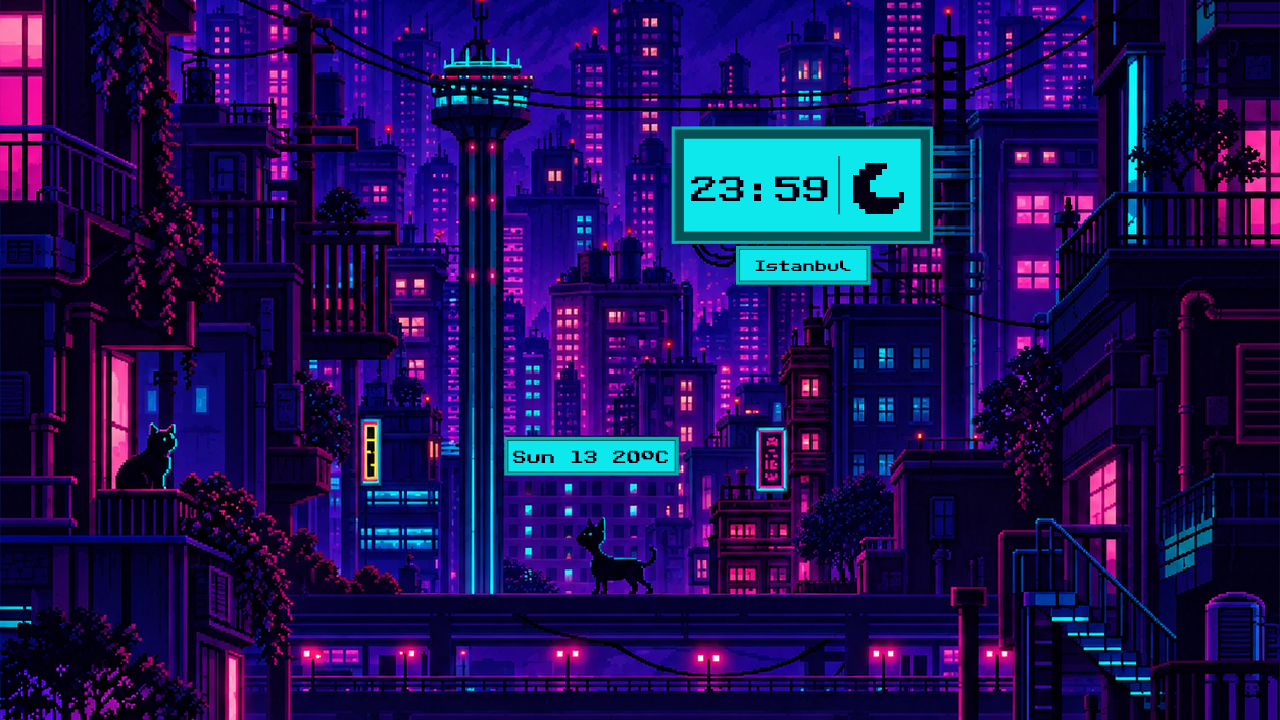
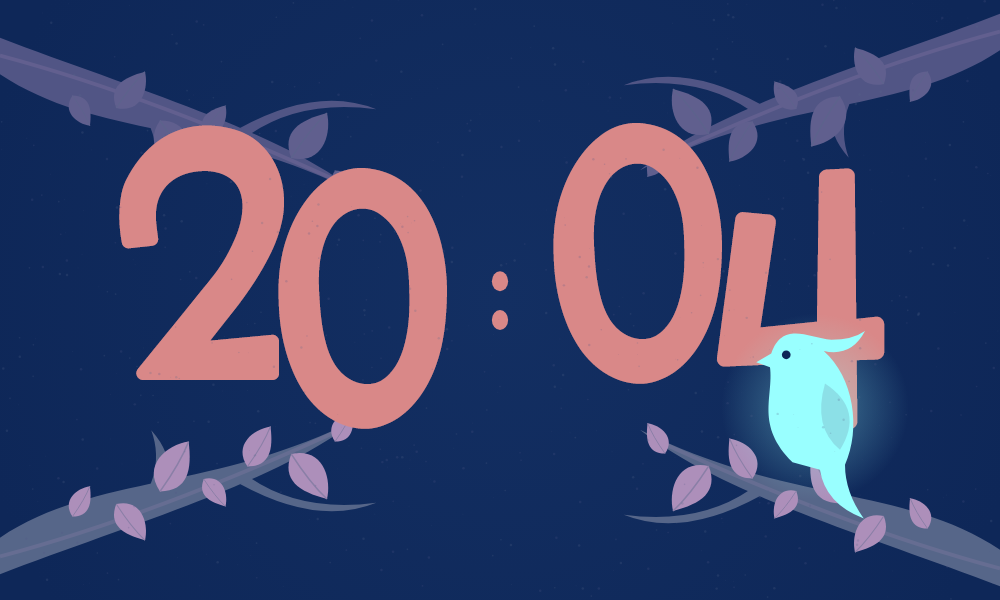
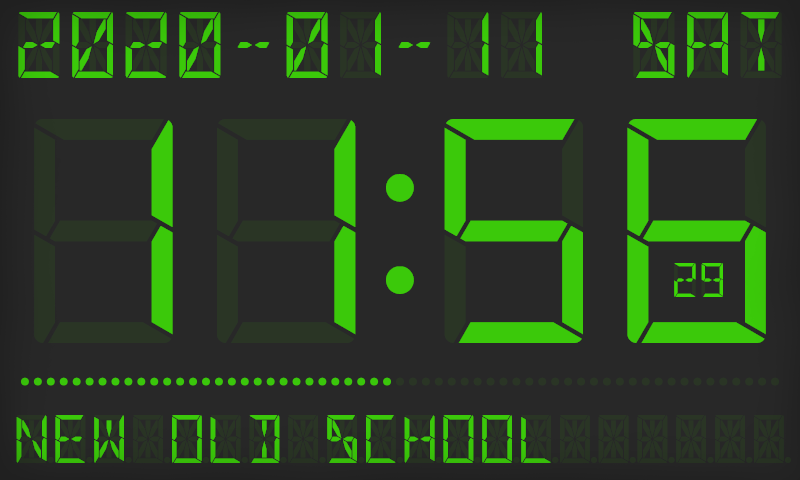
Actual clock designs from the app. Available clocks and features may vary by platform and version.
PART OF YOUR DAY
Give your screen
a new rhythm.
Download. Choose your style. Let time fit in.
JUST A MESSAGE AWAY
Support
Having trouble or have an idea? Write to us.
support@syncappstudio.comWhen describing an issue, include your device model, operating system and app version. You can also attach a screenshot.
Help · Where to start?
- Update the app.
Check the App Store or Google Play for a newer version.
- Reopen and check.
Close and reopen the app. Note which clock you were using and the steps that led to the issue.
- Get in touch.
If the issue continues, email our support team. You can use the same address for purchase questions.
YOUR QUESTIONS
Frequently asked questions
Short questions, clear answers.
Where can I download the app?
On iPhone and iPad, find Mobile Clock Pro: Always On in the App Store. On Android, find Nightstand Clock: StandBy Mode on Google Play.
Is the app free?
The app is free to download and includes in-app purchases. You can see current prices for paid options in the app and your device’s store.
Can I change the clock’s appearance?
Yes. Explore different clock designs and personalize your screen with the colors, fonts and backgrounds offered by your chosen clock. Available settings vary by design.
Are the same clocks available on iOS and Android?
The clock collection and some features may differ by platform and app version. Open the app to see what is available on your device.
How can I get help with a bug or a purchase?
Email support@syncappstudio.com. Include your platform, device model, app version and a short description of the issue. There is no need to send passwords or card details.
Can I suggest a new clock design?
Of course. Send the clock style or feature you would like to see to support@syncappstudio.com.